 quizora
FOR CLASSES, TRAINING & EVENTS
Make a quiz for your class or event.
You write the questions. Players answer on their phones. Show the quiz on a TV or projector so everyone can follow along.
Have a PIN from your host? Choose Join a game. No account needed.
Watch demoTry a question
How many states are there in Malaysia?
Choose an answer to try it.
This is a sample. No account needed.
No app to install
Your own questions
Players join with a QR code or PIN
HOW IT WORKS
From questions to a game.
Sign up and activate a plan to start creating quizzes.
- 01
Prepare questions
Open Quizzes. Organize your sets, write questions and mark the correct answers. Set a time limit for each question.
- 02
Invite players
Open Games and choose a ready set. Open the TV display, then share the QR code or PIN with your players.
- 03
Start and host the game
When everyone's in, press Start. You decide when to move to the next question. Results are saved in Reports when the game ends.
INSIDE QUIZORA
Create, play, see the results.
Host from your laptop. Show questions on the TV. Players answer on their phones.
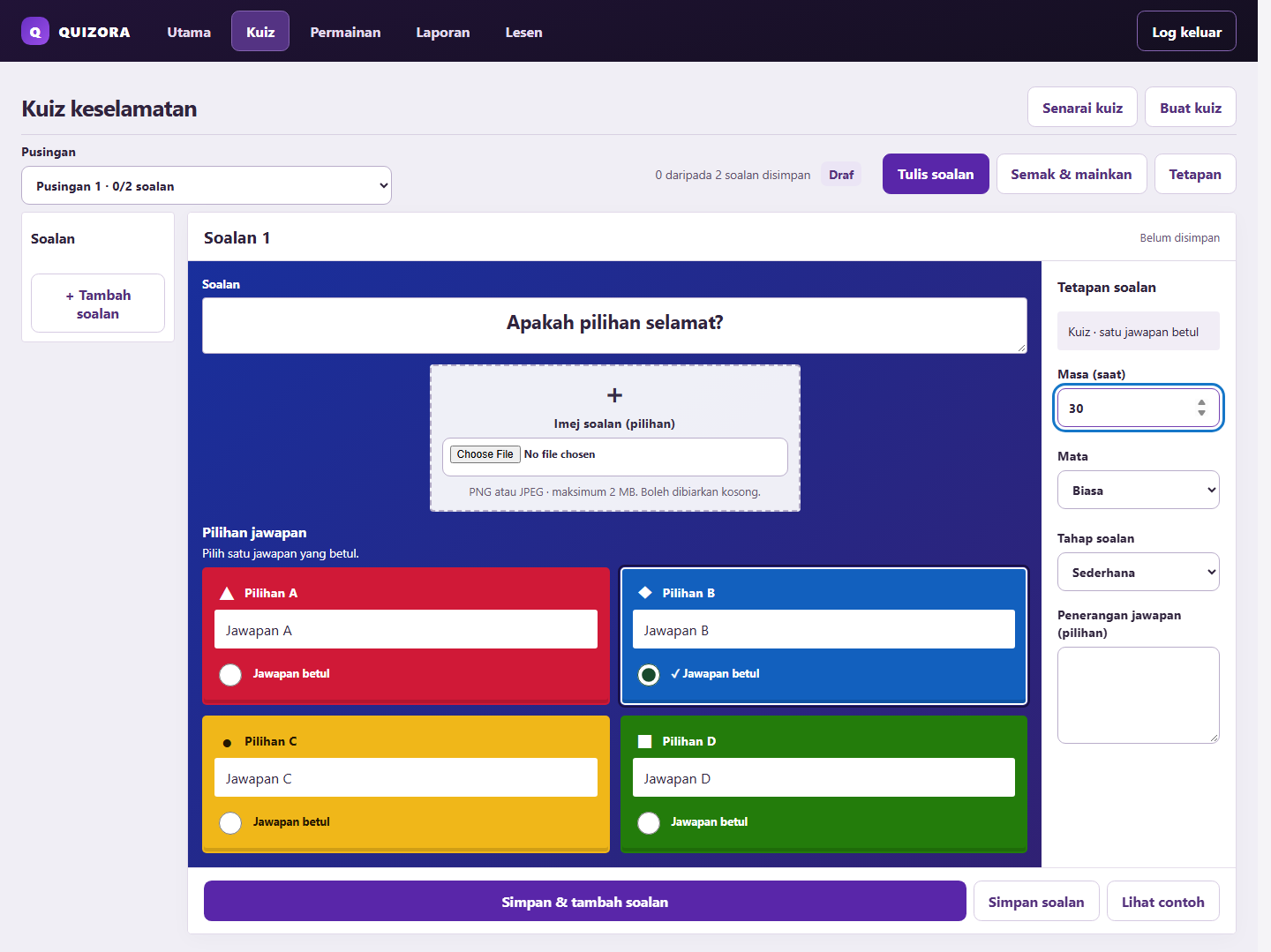
Write and review
Add questions, answer options and images if needed.
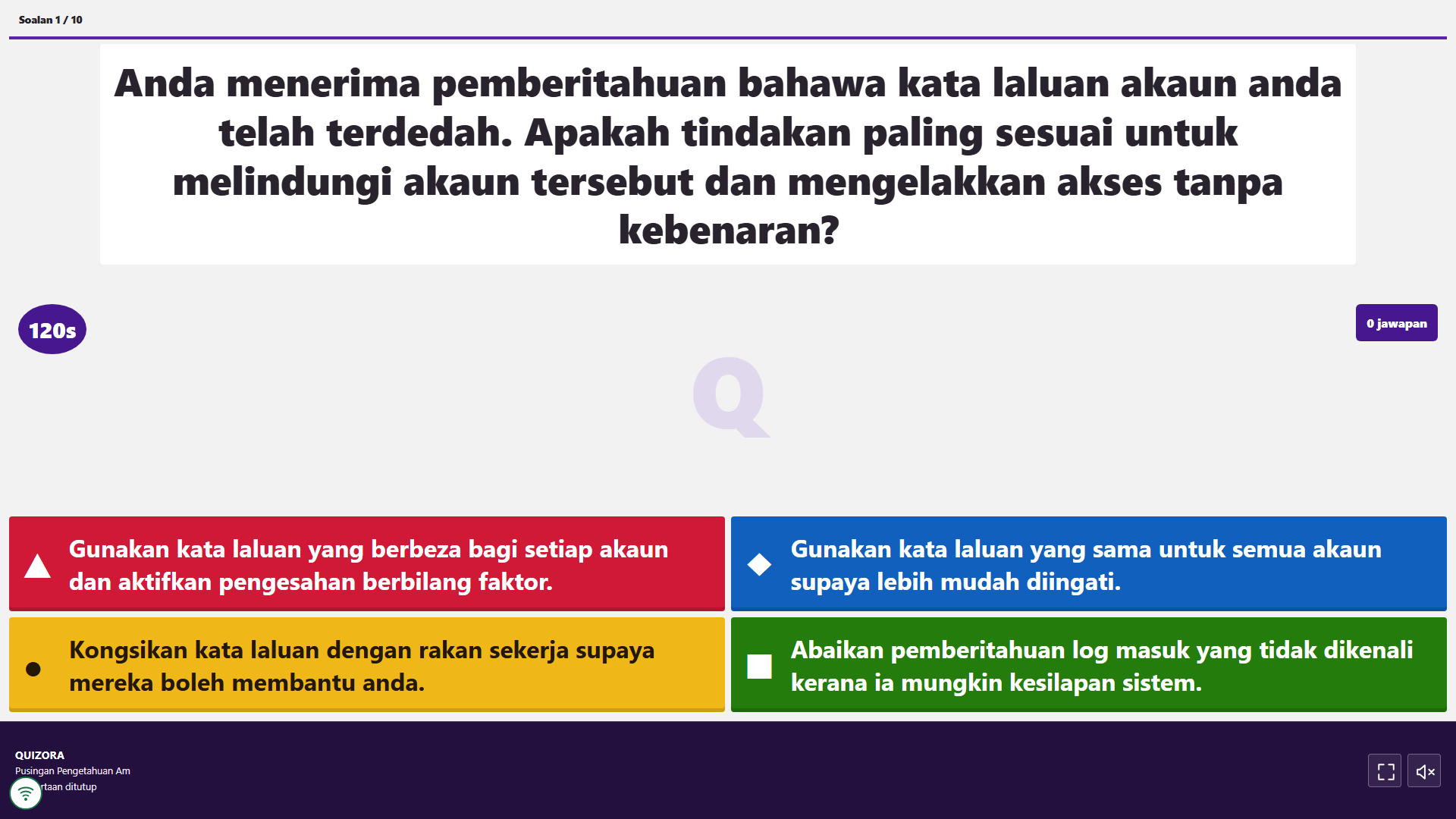
Play together
Show questions on the big screen. Players answer on their own phones.
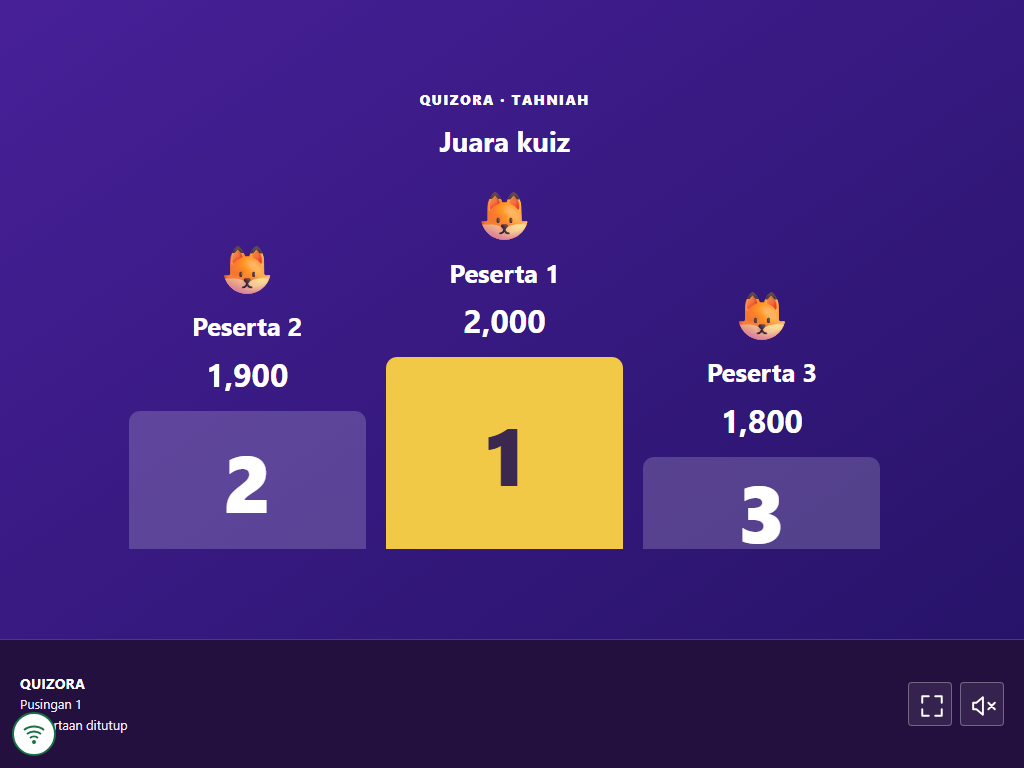
See who's ahead
Show the current standings, then the winners when the game ends.
All images use sample questions and names.
DEMO VIDEO
See how it works.
A short tour from your workspace to the results. Press play when you're ready.
A silent demo with Malay and English captions. All screens use sample data.
ACCOUNTS & PLANS
Choose a plan for the time you need.
Sign up, then choose a plan on the purchase page. Check the price and total before continuing to FPX.
View plansYour own workspace
Your quizzes and reports stay in your account, separate from other users.
Active once payment is confirmed
No license code needed. Your receipt goes to your account email.
Know when your plan ends
Check your remaining time in the Plan tab. Your questions and reports stay saved when your plan ends.
BEFORE YOU START
Common questions
Still have a question? Send us a note through the help form.
Contact usDo players need an account?
No. Players open the QR link or enter the game PIN, then choose a name. Only the person creating and hosting the quiz needs an account.
How do I create a quiz?
Sign up with email, verify your code and create a password. Once your plan is active, open Quizzes to write questions. Next time, log in with your email and password.
Are my quizzes mixed with other users' quizzes?
No. Each account has its own workspace for quizzes, questions and reports. Log in with the same email to open it again.
What if a player refreshes their phone?
In the same browser, players can continue with their existing name as long as browser data hasn't been cleared. Their name stays the same for the game.
Can I separate the host and TV screens?
Yes. Choose Open TV display in Games. If your laptop uses an extended second display, move the TV window there. Keep the host controls on your laptop.
Do I need a license code after paying?
No. Once payment is confirmed, your plan activates in the account you used to pay. Check your remaining time in the Plan tab. Your receipt goes to your account email.
Does a promo code give a discount or free access?
Enter it under Promo code and press Apply code. You'll see whether it gives a discount or free access.
Will I lose my questions when my plan expires?
No. Your quizzes and reports stay. Renew to edit questions or start new games. If you renew early, the extra time starts after your current expiry date.